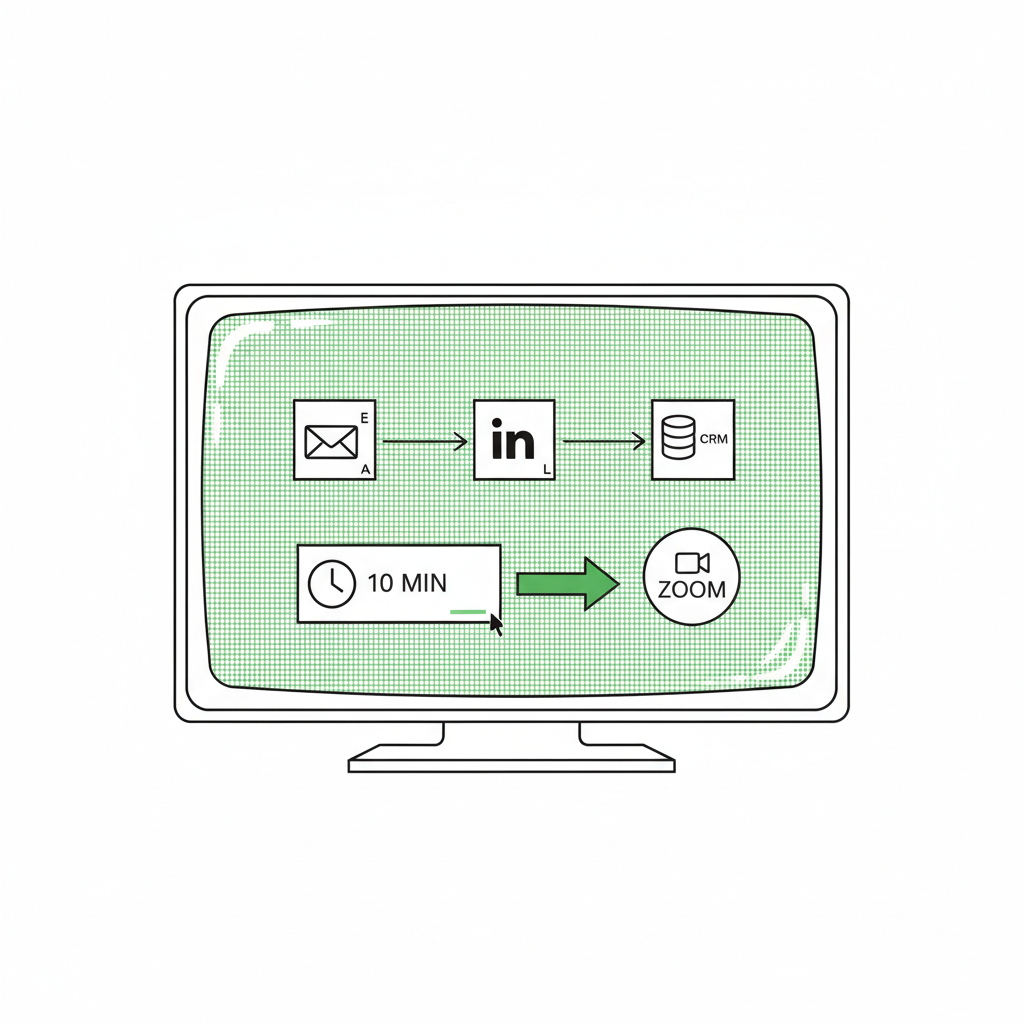
It’s 1:52pm on a Thursday. You just closed a 20-page client strategy doc, and a discovery call starts in 8 minutes.
So you open HubSpot, scan a LinkedIn profile, dig through Gmail for the last thread, and walk in half-prepped anyway.
A pre-call prep workflow fixes that. It’s an automated sequence that collects CRM context, email history, and light company research into a 1-page meeting brief before a discovery call.
Instead of hunting through 4 tabs at 1:55pm, a co-pilot grabs the last email thread, the key CRM notes, and a quick “what changed this week” scan, then hands you something you can read on your phone.
Here’s the honest part. Most of that scramble isn’t intelligence. It’s retrieval.
You know how to run a discovery call. You just can’t remember where you parked the context. Let the workflow remember it for you.
Why does manual context synthesis drag down agency revenue per employee?
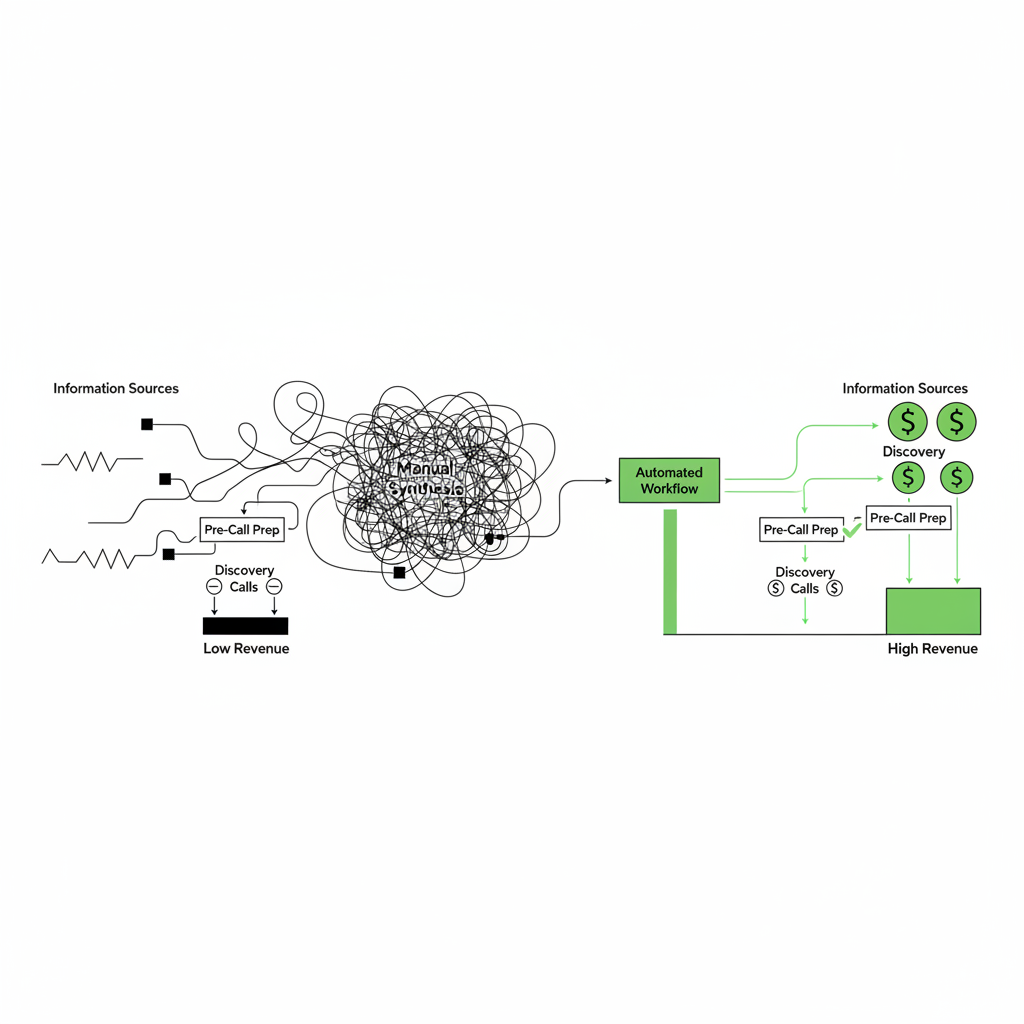
Manual context synthesis drags down revenue per employee because it makes your most expensive person do the cheapest kind of work: rummaging. Every “wait, where’s that note” minute is a billable minute you don’t get back, or a sales minute you half-show up to.
The switching cost is the silent killer. You go from deep client delivery to a sales call, and your brain has to reload an entire relationship from cold.
Then it repeats. A few times a week turns into a habit. A habit turns into a ceiling.
SiftHub calls this the “10-minute nightmare” before a sales call. Fine if you have an SDR, RevOps, and a pristine CRM. Brutal if you are the SDR, RevOps, and the closer.
This is the work around the work. It’s the exact autonomous business trap that makes “we’re busy” feel like progress, right up until the P&L disagrees.
What data actually belongs in your discovery call preparation document?
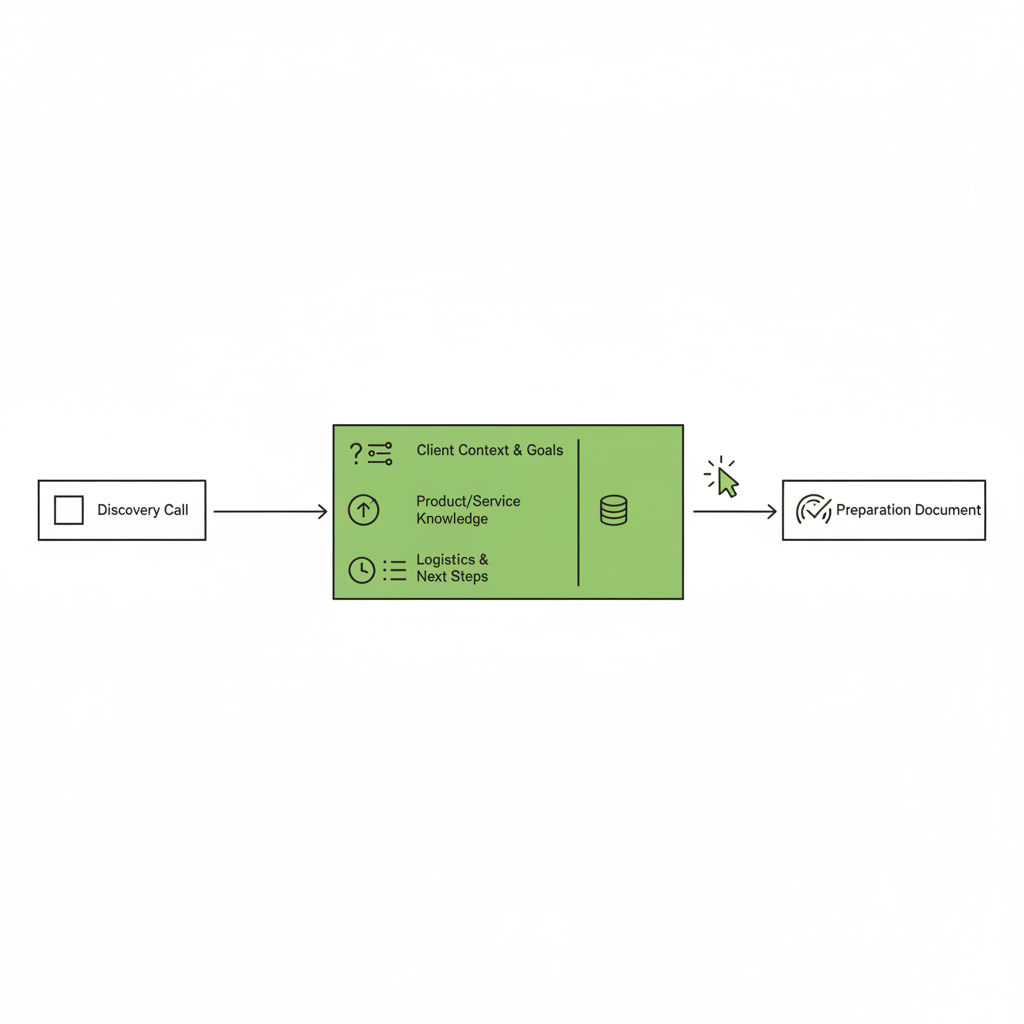
A useful discovery brief is small, sharp, and readable in 60 seconds. It should show you exactly where the conversation left off, what changed since then, and the 1 question that moves the deal forward.
If the brief looks like a Wikipedia page, it’s a procrastination artifact. You want a working note, not a term paper.
| What goes in the brief | why it matters | what it prevents |
|---|---|---|
| Last 3 email exchanges | Restores tone, promises, and open loops | “So, remind me where we left this” |
| CRM notes (calls, objections, stakeholders) | Keeps your internal memory in play | Re-asking questions you already asked |
| Recent company news (1-3 bullets) | Gives you a timely wedge and empathy | Generic “how’s Q2 going” small talk |
| 1 qualifying question | Defines the next step you’re earning | A nice chat that goes nowhere |
Standard sales practice exists to refine your pitch and establish lead qualifications before you dial. The point is turning a fuzzy mental checklist into something you can actually read.
Sandler training frames pre-call work around the minimal viable agreement you need to advance the deal. In plain English: name the next step, then earn it.
How do you automate attendee research and CRM data integration?
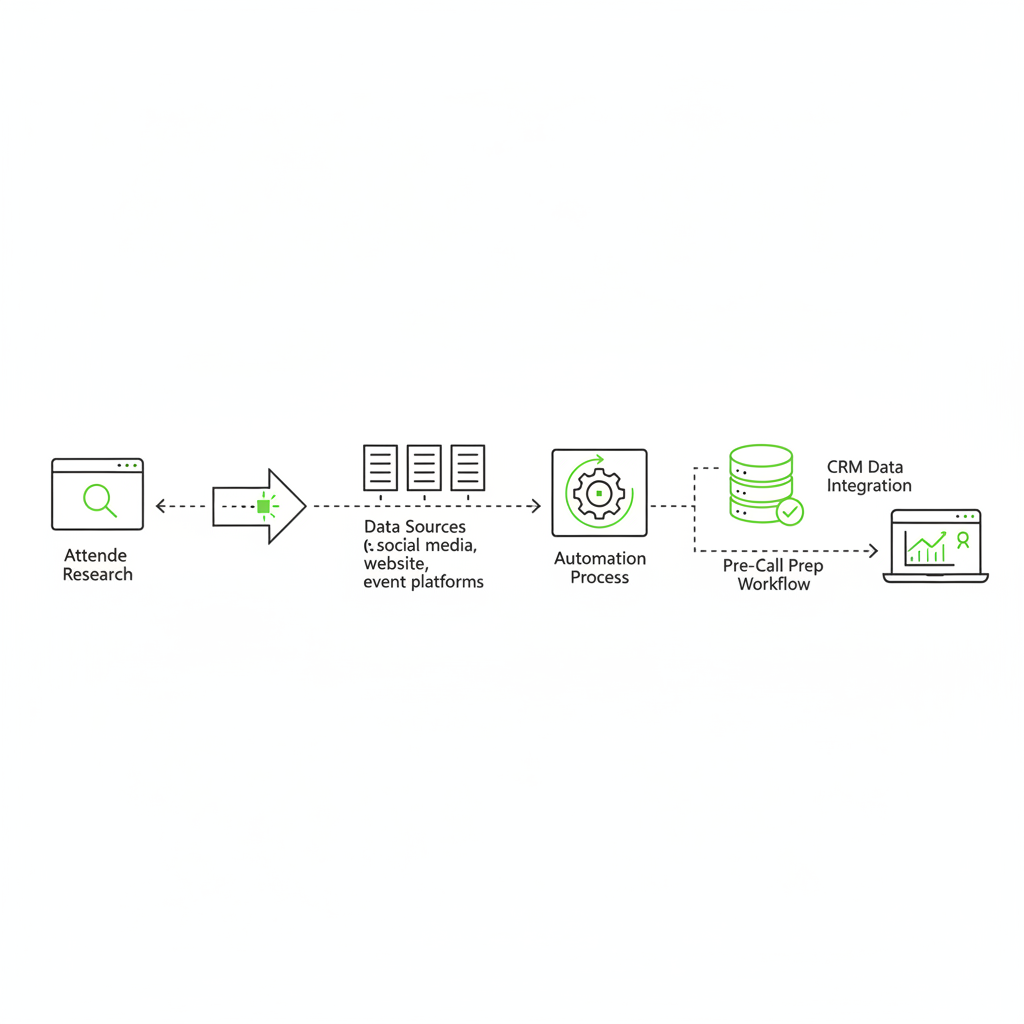
You automate attendee research by wiring one workflow to pull internal context (CRM, emails, past notes) and external context (company updates) into a single brief. The output is a plain doc you can skim, not a chatbot conversation that dies in a tab.
This is where most “AI for sales” falls down. The model isn’t the issue. The plumbing is.
Meeting-prep agents already exist because this pain is universal. Tools like Simular and patterns like Postman’s pre-meeting customer brief agent are basically one idea: fetch the scattered context, then summarize it once.
And yes, this is mainstream. Gartner predicts this becomes table stakes inside software.
By 2026, 40% of enterprise applications will feature task-specific AI agents, up from less than 5% in 2025.
Gartner, press release
For agencies and consultancies, briefing is one of the safest first installs. If you want more examples in this exact world, here are real AI agent examples for agencies.
How do you build and run this meeting brief generation process?
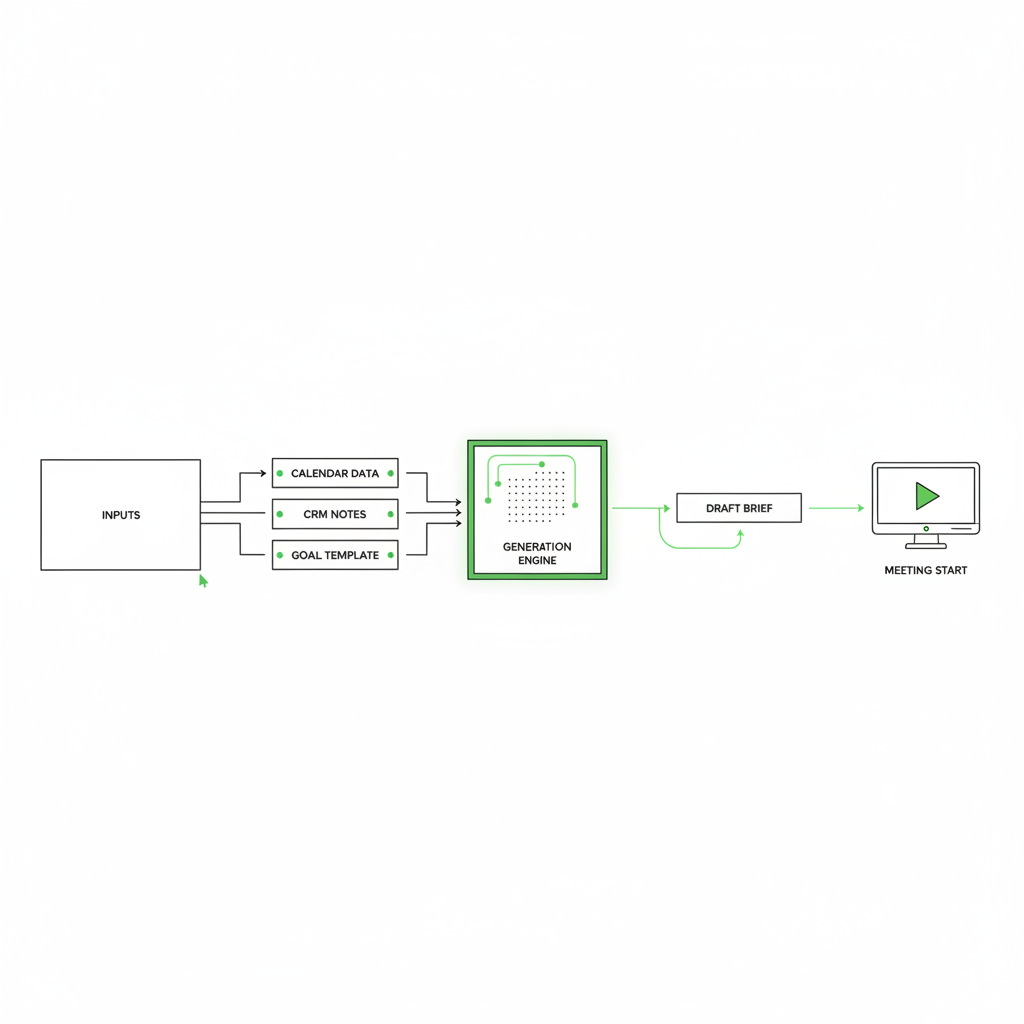
You build this like an assembly line. Start with the outcome you want in your hand, then work backward to every input, decision, and destination until it runs without you.
The outcome here is simple: a clean, structured brief delivered 15 minutes before the prospect hits the waiting room.
Here’s the exact line we install for founders running client work and sales at the same time.
- A calendar event tagged “discovery” triggers the workflow 15 minutes out, using Make to watch Google Calendar.
- Make pulls the contact and deal record from HubSpot (stage, owner notes, last logged activity).
- Make pulls the last relevant thread from Gmail (or Google Workspace), then runs a lightweight company update lookup (for example, via a web search tool like Tavily).
- A current model like Claude synthesizes the raw inputs into a structured brief: relationship history, current deal context, key risks, and 1 qualifying question.
- The finished brief lands in a private Slack channel (and optionally a Google Doc), so it’s on your phone before you open Zoom.
Your judgment stays intact. The workflow does the fetching, deduping, and formatting. You do the actual consulting: reading the room, qualifying, and closing.
I don’t get my Thursday afternoons back, but yours absolutely should be free of context-mapping.
| by hand | with mozart | |
|---|---|---|
| Prep per call | The “10-minute nightmare” scramble | Brief delivered. You skim and go |
| 20 discovery calls | 200 minutes lost (at 10 min each) | 3.3 hours reclaimed |
| Meeting focus | Half-loaded, distracted | Sharp, on the outcome |
If your agency runs 20 discovery calls a month, and prep averages 10 minutes, you reclaim 200 minutes (3.3 hours) of your highest-quality focus.
If you want the deeper logic on why tight, installed workflows beat “agent” theater, read AI workflows vs autonomous agents for agencies.
How do you stop prep fatigue from hitting the P&L and start your AI roadmap?
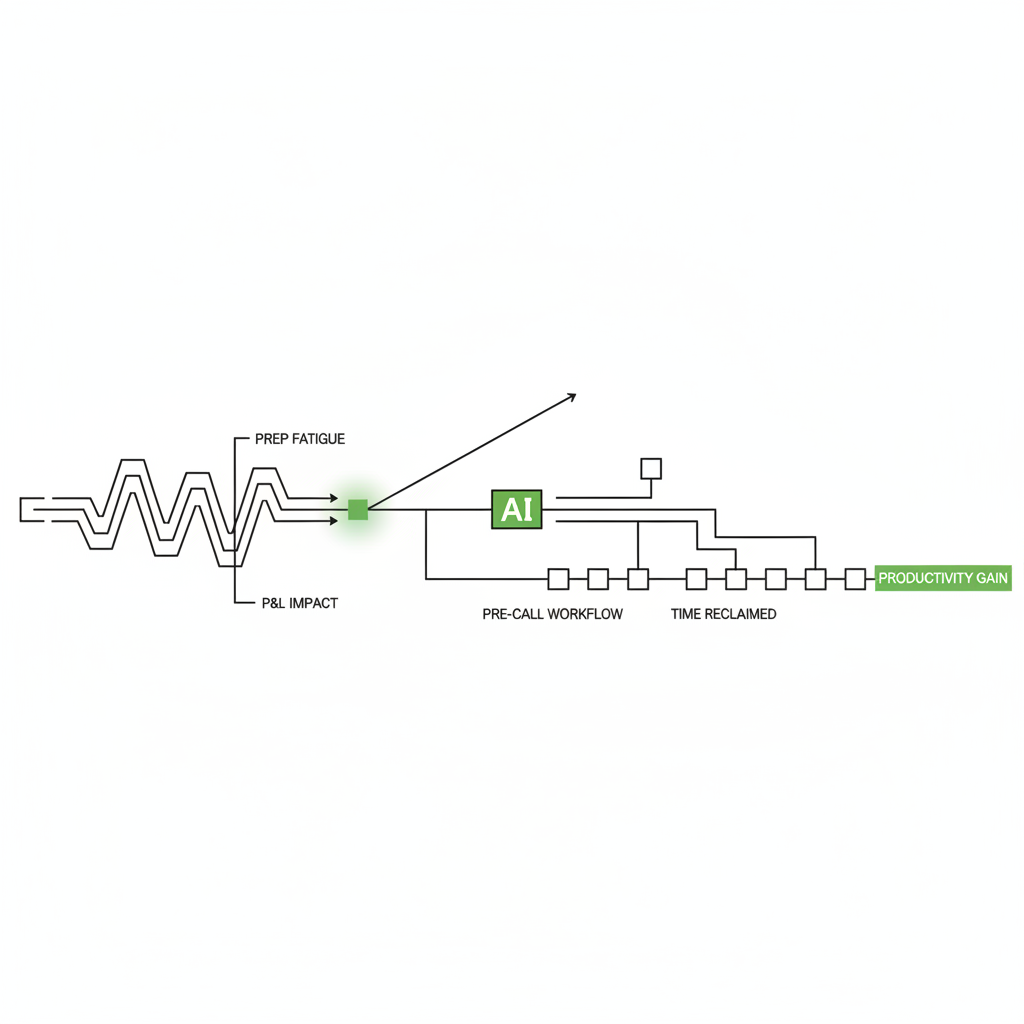
You stop prep fatigue from hitting the P&L by moving repeatable retrieval work off the founder and into a workflow. The win is not “AI.” The win is that your calendar stops triggering a small fire drill 3 times a day.
This is also why so much AI spend never reaches the P&L. People buy tools, but they don’t install workflows.
Fortune covered an MIT report that found about 95% of organizations get no measurable P&L return from generative AI. That tracks with what we see weekly. The model is rarely the bottleneck.
One installed workflow beats 10 dashboard subscriptions. A dashboard is a car dashboard without an engine underneath it. Pretty. Useless.
We stopped doing the 2:00pm tab scramble. The brief shows up, and we can focus on qualifying and next steps.
Mozart customer, agency founder
This is the operating layer you actually feel. You stack small installs, the coordination tax shrinks, and revenue per employee goes up without hiring another “person who reminds people.”
If you want help picking the next 3 workflows that matter, get your roadmap. Also, poke around Mozart if you want the vibe before you commit.
Install the brief. Walk into calls loaded. Let your judgment do the part only you can do.

FAQ
What is a pre-call prep workflow?
It’s an automated sequence that gathers your CRM notes, recent emails, and sanctioned company research into a single meeting brief before a discovery call. The workflow handles retrieval and formatting, so you get context without the tab hunt.
Which tools do you need to build it?
A common agency stack uses Google Calendar as the trigger and Make as the connector. It combines HubSpot for CRM data, Gmail for email history, a web search tool for company updates, and a current model like Claude to write the brief. The output usually lands in Slack.
Will a co-pilot replace human judgment on sales calls?
No. The workflow handles retrieval and basic synthesis. Reading the prospect, qualifying the deal, pricing, and closing stay with you. The point is removing busywork so your attention stays on the conversation.
How much time does an automated prep brief actually save?
If prep averages 10 minutes per call, then at 20 discovery calls a month, automating this gives you back 200 minutes (3.3 hours). The compounding effect is real when you run back-to-back calls and delivery in the same week.