Picture this: it's Friday, the client status report is due, and you're still copy-pasting notes from four open tabs. You want to reclaim 8 hours a week without firing anyone, but you're stuck doing the work around the work. You closed the deal, but you're the one typing notes into Notion at 9pm.
That invisible operational drag has a name. It's the coordination tax, and service founders pay it every single day. You're the CEO, but you act like the janitor.
Finding real AI agent examples that actually fit a B2B service business means moving past the chatbots. Instead of a basic co-pilot that waits for a manual prompt, an agent is a quiet little worker on a digital assembly line. Transcript in, draft deliverable out, with you acting as the approval gate. You keep your judgment and your people, and you lose the busywork.
You still hold the pen. You simply stop doing the typing. That's the entire move.
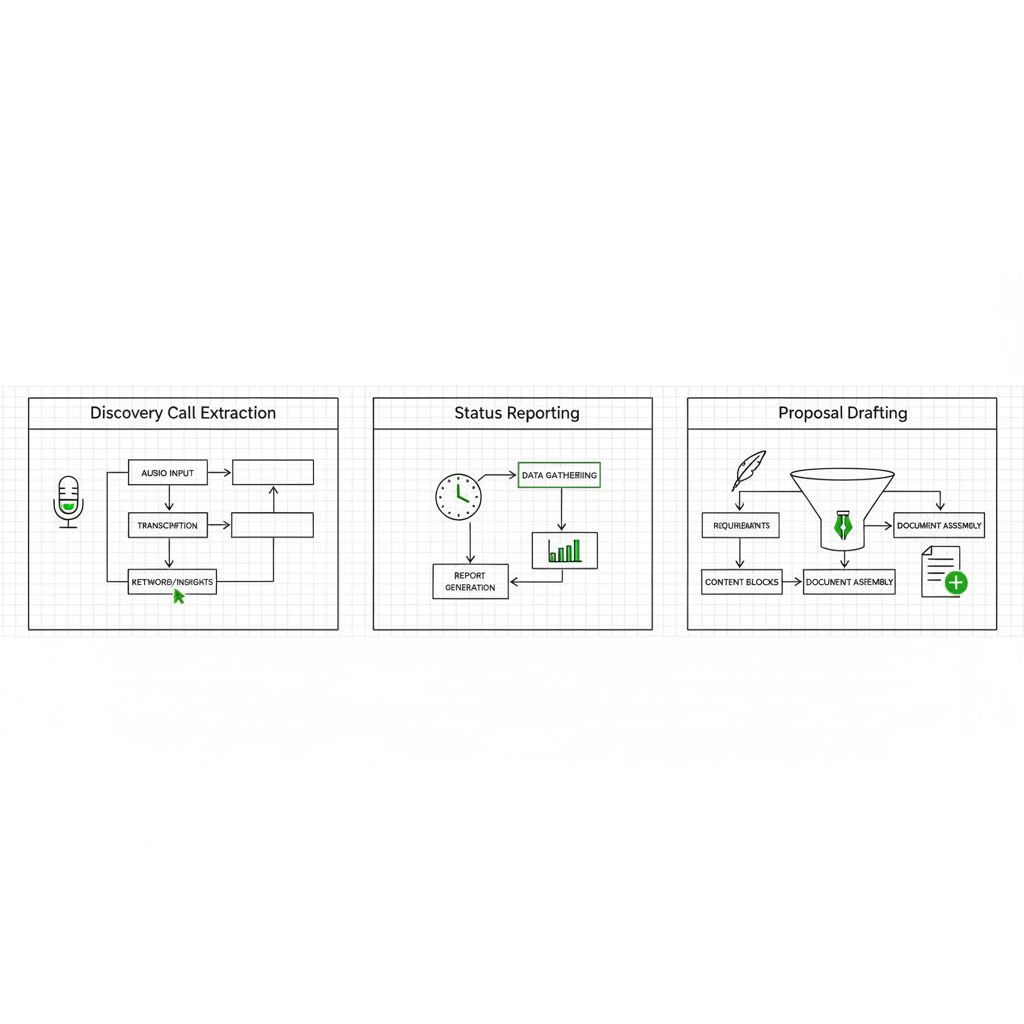
If you only install three workflows this quarter, install these:
- Discovery call extraction: transcript in, CRM-ready summary out.
- Weekly client reporting: project board status in, drafted update out.
- Proposal drafting: discovery notes plus a past winner in, customized pitch out.
What are real AI agent examples for a service business?
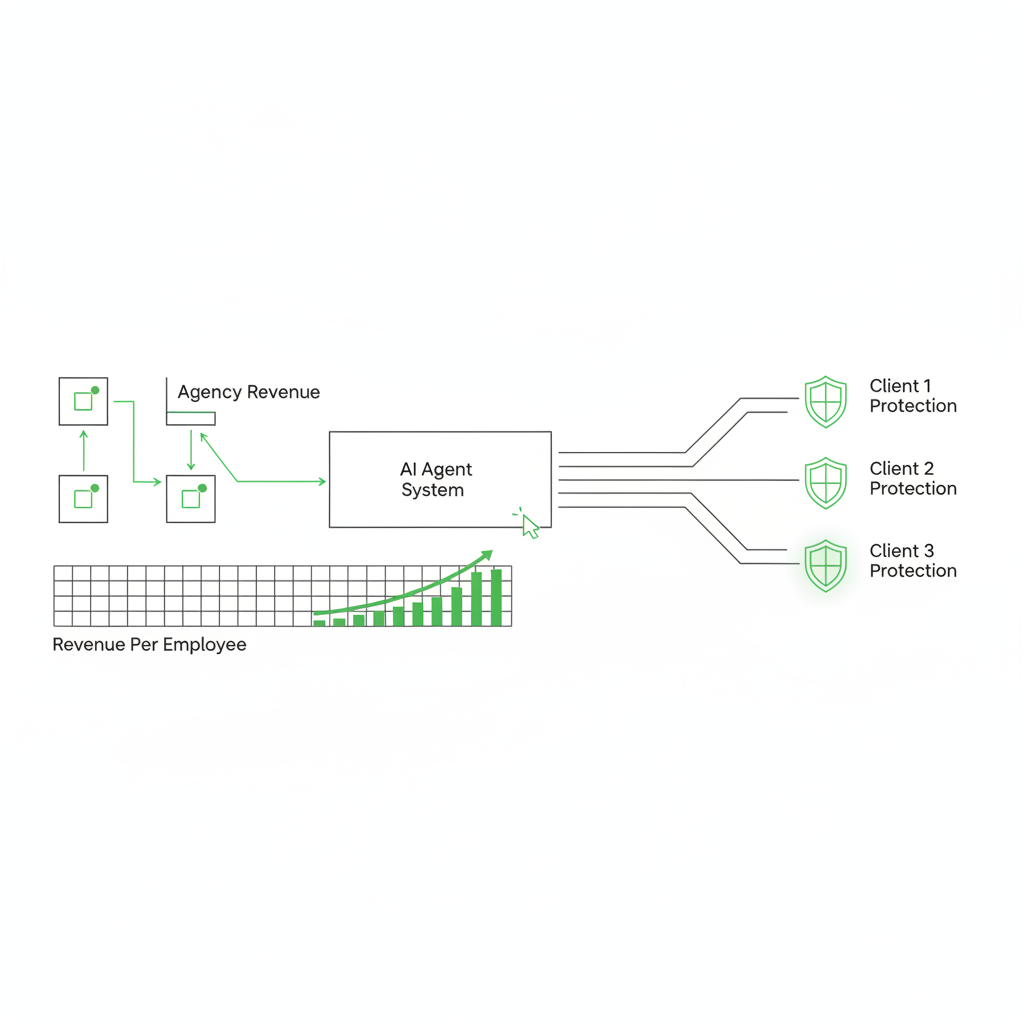
Real AI agent examples for a service business are installed workflows that take a messy input like call transcripts or task boards, follow your rules to draft deliverables, and wait for your approval. They run your tedious administrative processes so you can focus on billable client strategy.
Most AI fails on installation, not intelligence. If an AI tool doesn't save real hours or protect your revenue per employee, kill it. AI that dies before it reaches the P&L is a massive waste of your time.
Here's a specific definition that matches how operators actually build out our systems.
AI agents are autonomous systems that perceive their environment, make decisions, and take actions to achieve specific goals without constant human intervention.
Domo, AI Agent Examples
The tech stack that handles this workload is entirely pragmatic. Fathom records your client calls. Make or n8n moves the text between your apps using an API. A current model like Claude (Opus 4) processes the extraction. That's the engine room in the operating layer.
Adoption is happening right now. McKinsey recently reported that 65% of organizations say they regularly use generative AI in at least one business function (McKinsey, The state of AI). The founders pulling ahead are the ones building automated workflows, not typing out repetitive chat prompts.
How does an agent handle discovery call extraction?
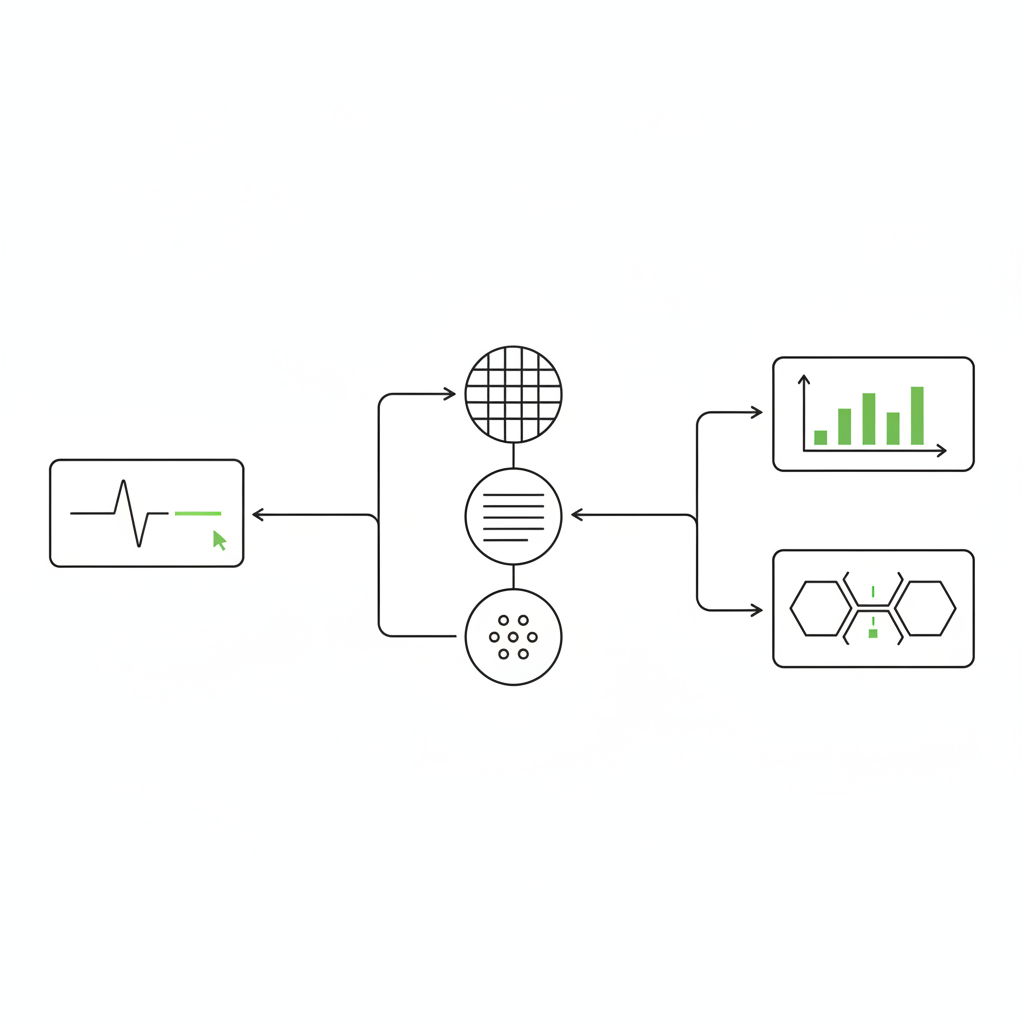
An agent handles discovery call extraction by turning one raw prospect transcript into a structured, CRM-ready summary that follows your criteria for pain points, budget, and next steps. It saves the summary as a draft in your CRM for you to approve.
To build agentic workflows, reverse engineer your exact CRM needs into one simple automated line. For a marketing agency or a B2B coach, discovery extraction is the easiest first win. You stop doing manual data entry, no longer turning a good 45-minute conversation into seven tiny admin tasks.
The extraction line operates in basic steps:
- Fathom records and transcribes the prospect call.
- Make sends the raw transcript to Claude with your exact extraction instructions.
- Claude pulls your decision criteria, risks, budget signals, and next steps.
- The formatted summary lands directly in HubSpot or Pipedrive as a draft note.
Your reclaimed time depends on strict call volume and CRM hygiene, but the win is consistent. You get out of the weeds and keep your focus on closing the deal. For an agency taking five to eight discovery calls a week, that is roughly 2 to 3 hours of post-call data entry gone, worth around $300 to $450 a week at a modest $150 blended rate. If you want a deeper menu of these exact processes, read our breakdown of 60 ways your AI chief of staff runs your work.
Can an AI agent automate weekly client status reporting?
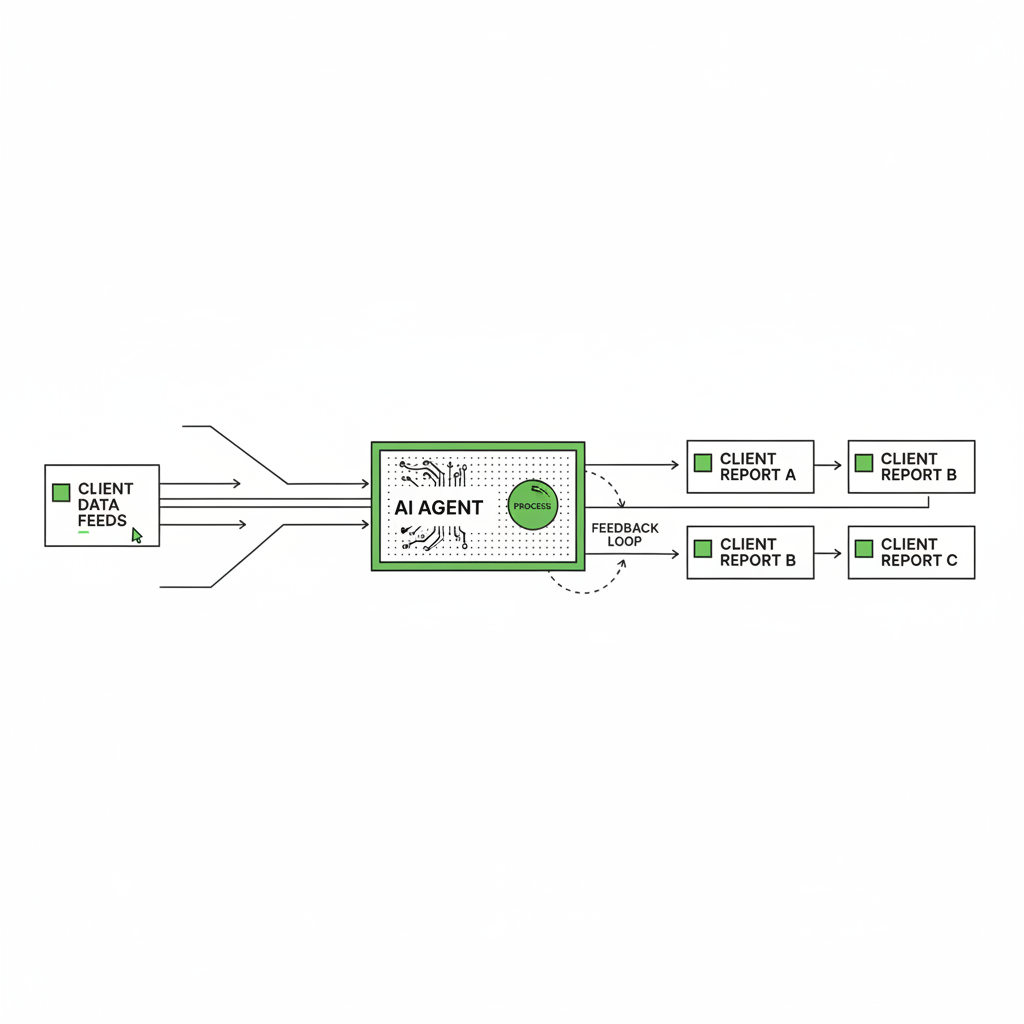
It's Friday at 4pm again, and you're hunting task updates across three boards to write the same five client emails you wrote last week. That is exactly the fire drill this workflow removes. An AI agent can automate weekly client status reporting by reading your active project system, grouping completed work and active blockers, and drafting the exact client update you usually write. With an approval gate, the agent writes the first draft while you stay accountable for the facts.
Fractional executives and dev agency operators consistently lose countless evening hours hunting down task updates across team boards.
Agents only survive contact with reality when they run on trusted data. If your team doesn't log their ongoing work, the agent can't reliably report on it. It reads what's actually there.
This reporting version is what we install most frequently for operators:
- Pull tasks that changed status in the last 7 days from Asana, ClickUp, or Jira.
- Bucket the tasks by active deliverable, ignoring confusing internal team tags.
- Draft a clean client email with clear sections for done, doing, and blocked.
- Route the draft text to you in Slack or email for a final check.
That human approval gate is non-negotiable for client-facing work. The agent does the messy data aggregation. You do the critical thinking. For a shop managing six retainer clients, drafting those updates by hand eats 3 to 4 hours every week, roughly $450 to $600 of senior time you can put back into the business. This is the kind of compounding win our customers feel fast.
One recent workflow we shipped saved us over $12,000/year and we're installing a new one every week.
Nehal Kazim, founder of Ad Pros
To see this separation of labor across an operation, read our guide on running two terminals for one business.
Will an agent draft accurate client proposals?
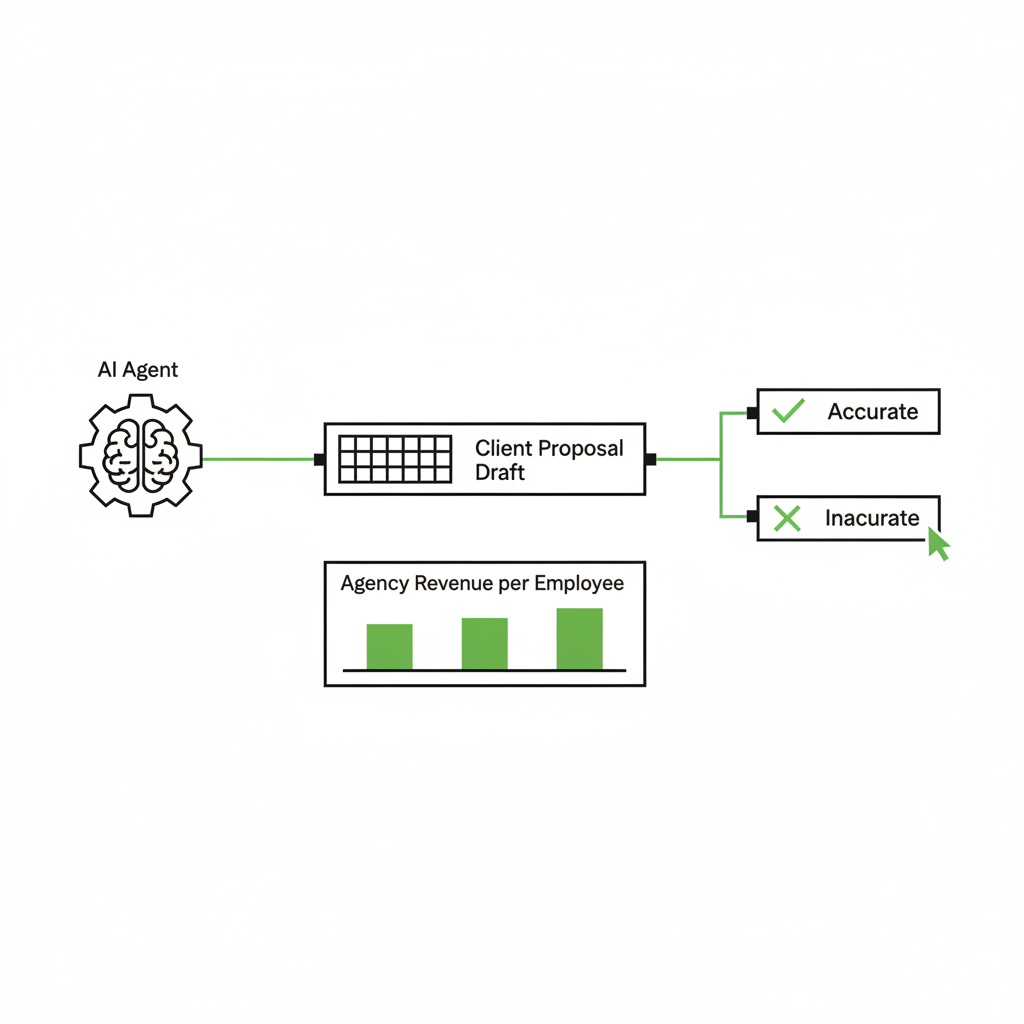
An agent can draft an accurate first version of a client proposal by combining your CRM discovery notes with a past winning proposal to match your structure and tone. The agent does the heavy lifting, leaving you to handle the pricing, positioning, and final review.
Pick the work you hate doing most, and carefully install the workflow that removes that exact drag. Drafting complex proposals from scratch is a massive bottleneck for solo consultants and creative agencies. Do not cut a human just to save a salary, then act surprised when delivery quality drops. You want AI to 5-10x your best team members, not replace them wholesale.
Gartner forecasts that 40% of enterprise apps will feature task-specific AI agents by 2026, up from under 5% in 2025. In practice, that means all your systems will freely produce decent drafts by default. You still decide what actually ships to the client.
| Proposal step | By hand | With Mozart |
|---|---|---|
| Pull discovery notes | 15 min | 2-5 min |
| Find a past winner to model | 20 min | 2-5 min |
| Write the core draft | 60-90 min | 5-15 min |
| Format and personalize | 10-20 min | 5-10 min |
| Total setup time | 105-145 min | 14-35 min |
Each proposal drops from roughly 105-145 minutes to 14-35 minutes, saving about 90 minutes apiece. Send three proposals a week and that is close to 4.5 hours reclaimed, somewhere near $675 of billable capacity you get back every week. Your baseline reality depends heavily on how standardized your templates are, and whether your past winning proposals live in a clean master folder or strictly inside a senior partner's head. Curious about how the underlying models handle complex text manipulation? Read our breakdown of Claude Code vs. Claude Desktop.
Where do agency founders start with AI agents?
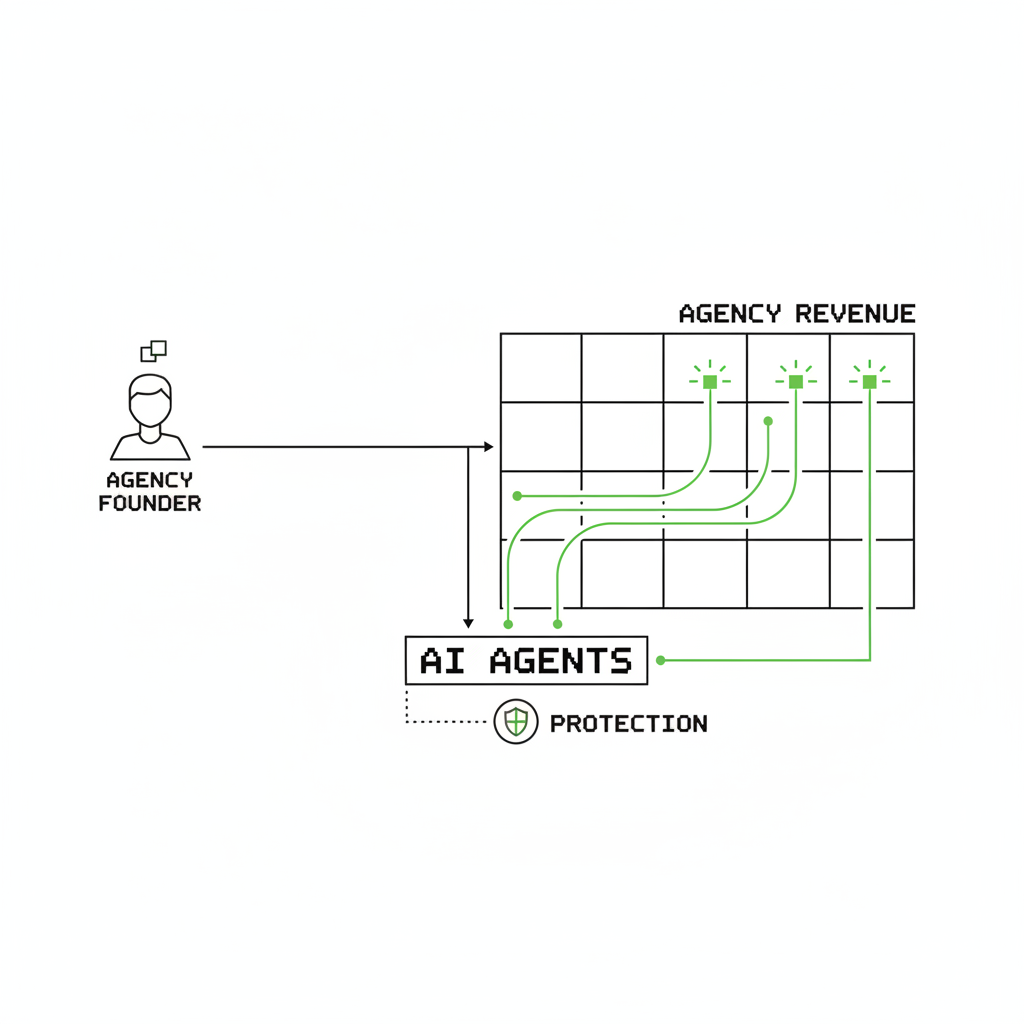
Agency founders should start with exactly one workflow, not a list of ten untested ideas. Pick the single task that creates the most drag, define the exact output you want, and install the steps as an assembly line. One workflow compounds into higher revenue per employee.
ROI is the north star. Don't build ten half-finished, unproven automations at once. The smart play is to compound your people's effort, keep your judgment strictly in the loop, and stack your systems one workflow at a time.
Not sure which foundational workflow to install first? That's exactly what the AI roadmap is for. We offer a one-time $1,000 audit that maps your highest-impact workflows, ranks them by impact, risk, and ROI, and hands you a 90-day plan, delivered in 7 days. From there, a managed Mozart agent runs them reliably.
Pick the one annoying task you dread doing this Sunday night. Get your roadmap, and we'll turn that operational drag into a workflow that runs dependably while you sleep.

Frequently asked questions
Do I need to be technical to install these AI agents?
No. The entire point of a managed agent is that you don't repeatedly touch the plumbing. You simply define the firm's rules, approve the output, and keep final ownership of client decisions. Tools like Make and Claude do the heavy lifting safely in the background, and we thoughtfully install the operating layer with the exact approval gates you specify.
Will an AI agent send things to clients without my approval?
Not unless you explicitly wire it to do exactly that. Every single client-facing workflow we install for founders includes a strict, mandatory human approval gate. You thoroughly review the drafted deliverable in Slack or your inbox before anything leaves your outbox or posts to a shared client channel.
How many hours can one agency realistically reclaim?
It depends entirely on your baseline process maturity and how clean your CRM data is today. A realistic initial target is 2-6 reclaimed hours per week per employee once tedious tasks like weekly reporting and preliminary proposal drafting move to a draft-and-approve model. Measure your baseline, then check your numbers again after two weeks of the workflow running.
What is the absolute first step to installing an agent?
The AI roadmap. It's a one-time $1,000 audit that maps your highest-impact workflows, ranks them by impact, risk, and ROI, and hands you a 90-day plan, delivered in 7 days. Once you firmly have the plan, a managed Mozart agent quietly runs the workflows you purposely choose to activate.