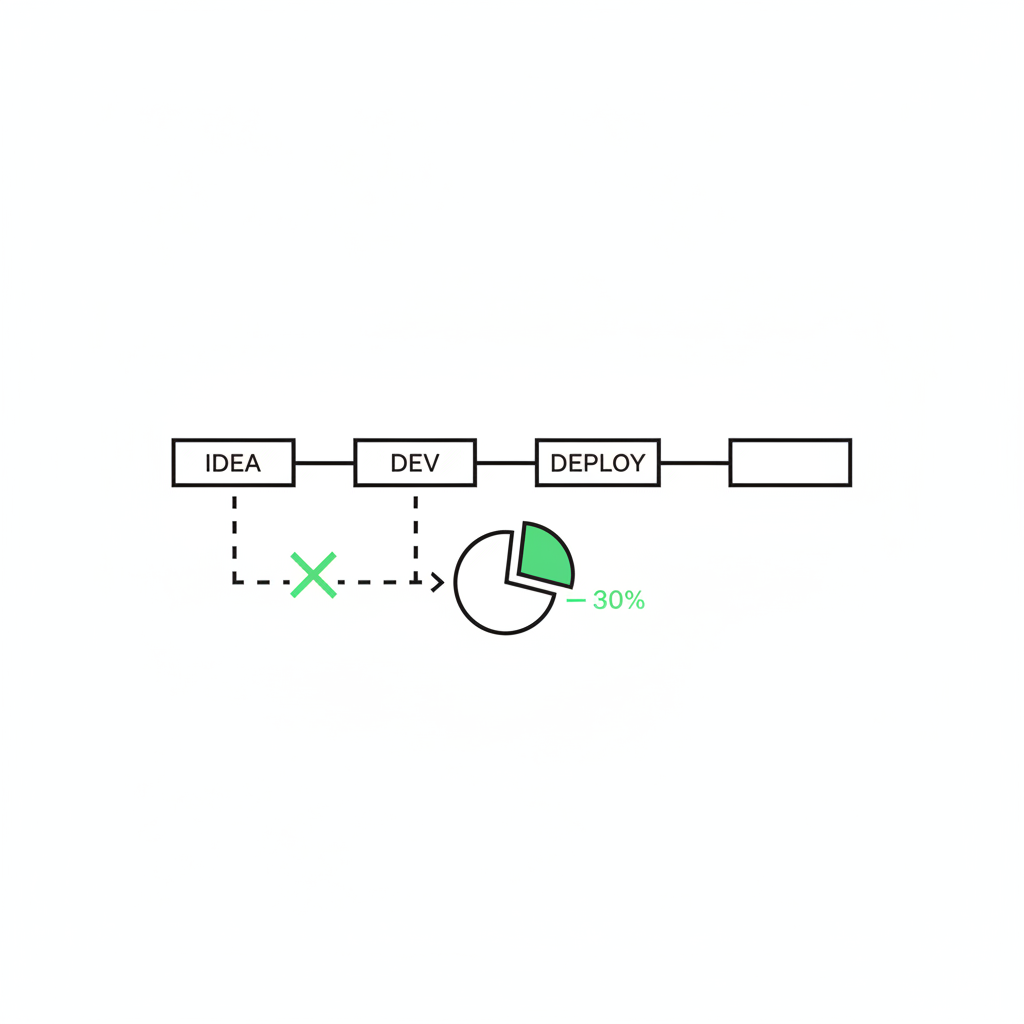
Measure AI ROI for agencies by tracking reclaimed billable hours, not the volume of bot requests. Isolate 1 dull workflow, install a fixed AI process with a human check, and measure the time saved. You hit the P&L faster by cutting the busywork tax and allowing small, boring tasks to compound.
Last week I watched a workflow we built for a small creative agency catch something their old “autonomous” bot never could.
The bot used to email retainer clients a Friday status report that cited milestones nobody had actually hit. So the founder would kill it, reopen the doc late Friday, and rewrite the thing by hand while the office emptied out. Another AI pilot, quietly retired.
The thing that finally worked was almost insultingly small: 1 workflow that pulls last week’s notes, drafts the recap, and stops at her desk for a quick check before it sends. No fabricated milestones. No end-of-day rewrite.
The model usually isn’t the first problem. Scope is. The common advice says automate the whole role, hand the machine your entire account-management function, and walk away, and that advice is exactly why the pile of dead pilots exists. Break the role down instead. Install 1 dull, repeatable step at a time, keep your judgment on the final approval, and measure the hours that come back.
The workflows that stick are never the strategy bots. They’re the onboarding emails, the proposal drafts, the weekly recaps. Small, boring, and bankable.
What AI ROI actually means for an agency
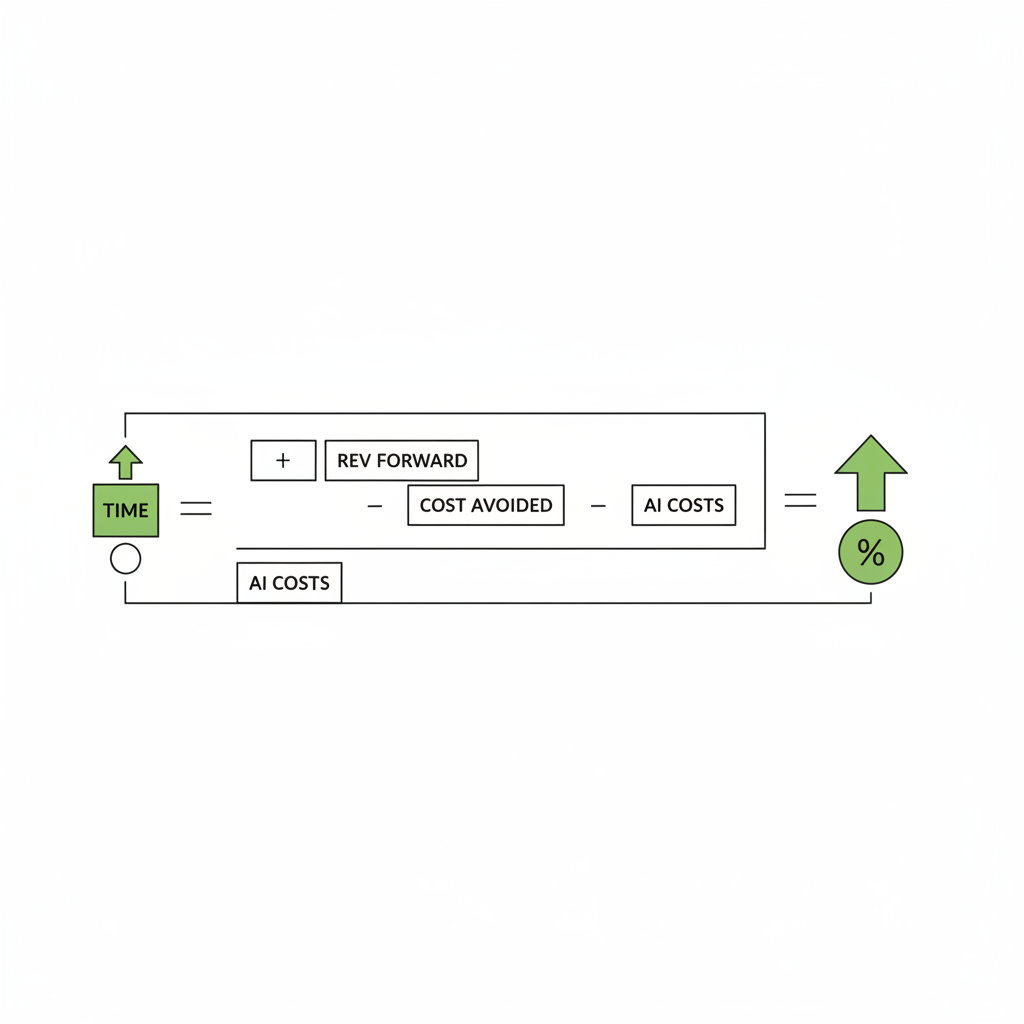
The formula, plain: ROI = (value of time reclaimed + revenue pulled forward + cost avoided − total AI costs) / total AI costs.
The slippery term is “value of time reclaimed.” For an agency you quantify it one way: take the hours a workflow gives back, then price them at your loaded cost (salary plus overhead, roughly $150-200/hr for a senior AM) or, better, at your effective billable rate (often $200-300/hr) when those hours move to client work.
That single choice, loaded cost versus billable rate, decides whether a workflow looks like a cost saver or a revenue lever. Most founders undercount because they only see the salary line, never the billable hour they could have sold instead.
Why the pilots die before they touch the P&L
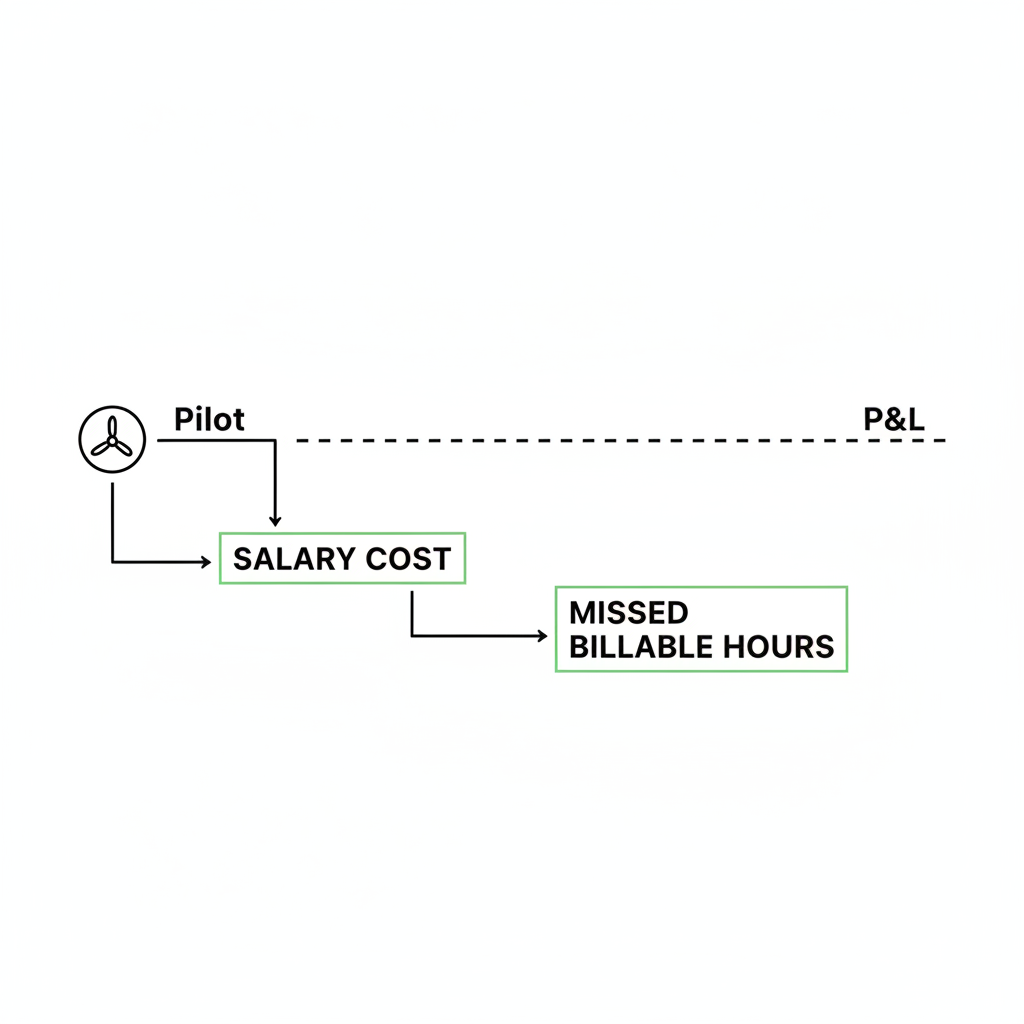
Most agency AI pilots stall in the same place. A sandbox demo that looks sharp on LinkedIn meets a real client inbox and falls apart.
The demo never had to handle the angry follow-up email or the project that changed scope mid-week. The moment it does, the founder is babysitting edge cases, and the babysitting eats the entire return.
Gartner expects over 40 percent of agentic AI projects to be canceled by the end of 2027, citing unclear business value and weak risk controls as the killers.
The pattern holds higher up the stack too: across recent surveys, most organizations report widespread gen AI use but little measurable bottom-line return, and the gap is installation and integration, not model quality.
So yes, your fractional CMO can decide AI will run client management hands-off. But if you haven’t scoped the workflows, defined the inputs, set the checks, and made it boring, you’ll spend your week catching exceptions and reaching for the old spreadsheet.
The role was just too big to swallow whole. As we lay out in stop automating roles, install AI workflows instead, a role is a bundle of workflows, and you install them one defined process at a time.
The coordination tax hiding inside one client recap
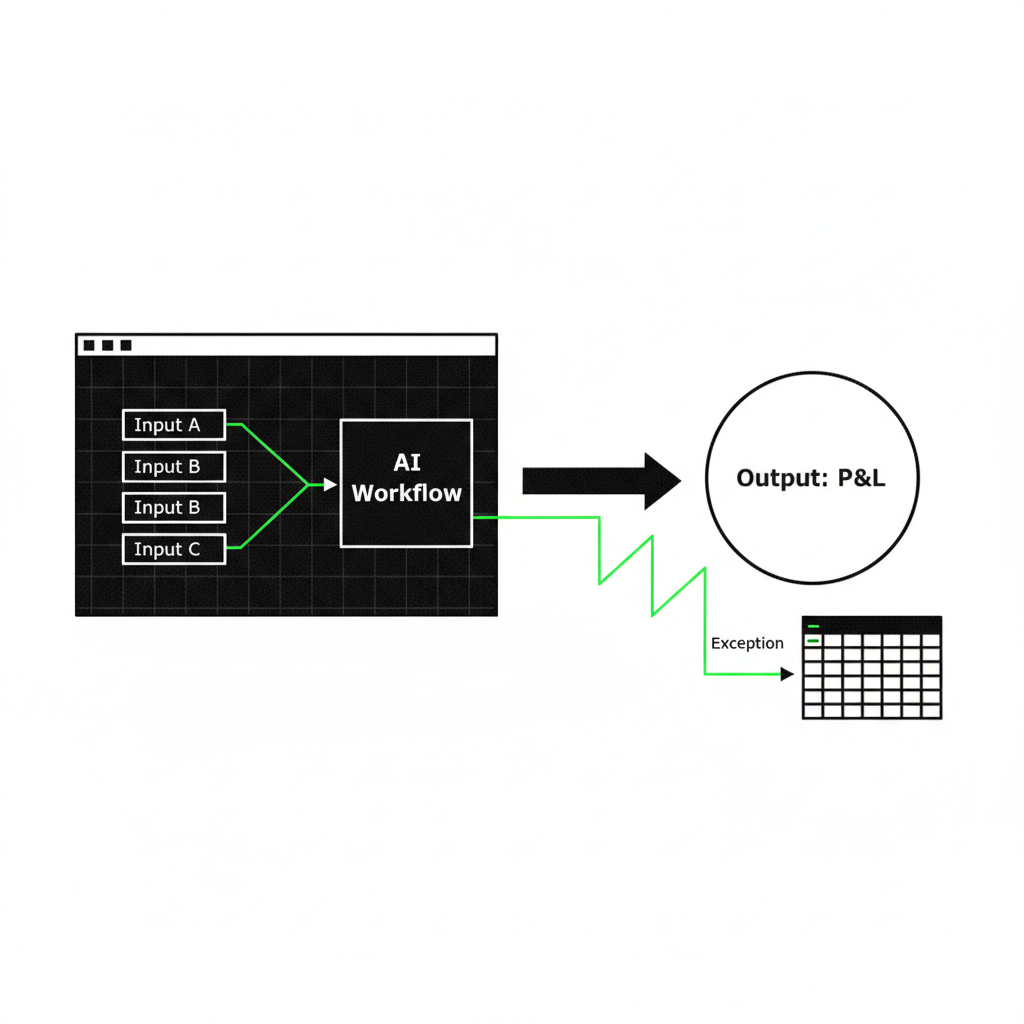
Take the weekly recap for a single retainer client. Watch where the hours actually go.
An account manager opens the Fathom transcript from Tuesday’s call, scrolls Slack for the thread where scope shifted, checks the project board for what shipped, then pulls last week’s report to match the format. Four tabs, a chunk of time, before a single sentence gets written.
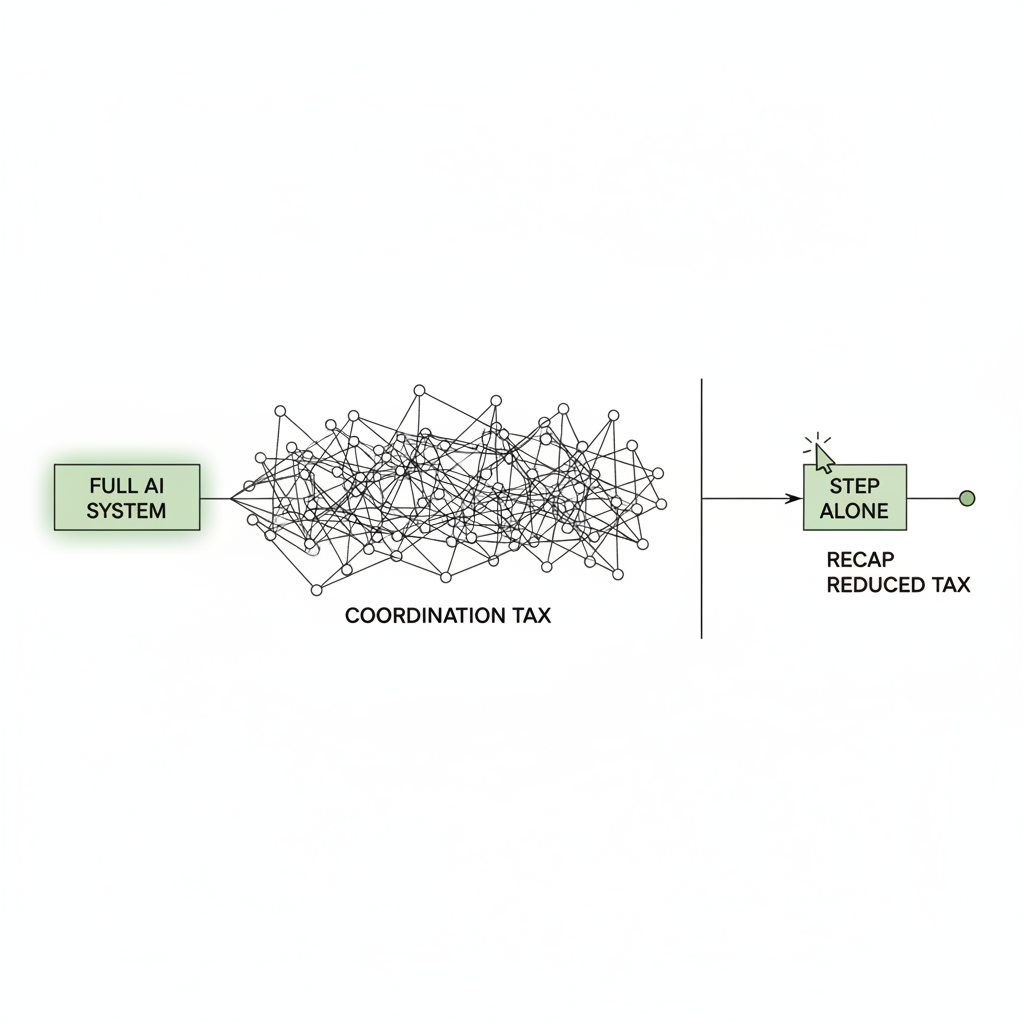
That scroll-and-stitch between tools is the coordination tax, and it is invisible right up until you count it. We broke down where it hides in the coordination tax quietly killing your hours.
Hand that whole job to one ambitious autonomous system and you’ve just hired an expensive new thing to manage. Isolate the recap step alone and the tax drops, because the inputs are always the same places.
One rule stays fixed: the final review belongs to a human. Let a machine sign off on a client deliverable and the first fabricated number torches trust you spent years earning. The draft can be automated. The send cannot.
The math on one recap workflow
Stop guessing and run the numbers. Here’s a worked example for the weekly recap, with agency-real inputs you can swap for your own.
12 retainer clients, 1 recap each per week, 25 minutes to do by hand, dropping to 6 minutes of review once the workflow drafts it. Loaded cost $180/hr. Setup is 3 hours.
| Metric | By hand | With the workflow |
|---|---|---|
| Minutes per recap | 25 min | 6 min review |
| Minutes saved per recap | — | 19 min |
| Recaps per year (12 clients × 52) | 624 | 624 |
| Hours saved per year | — | ~198 hrs |
| Value saved per year ($180/hr) | — | ~$35,600 |
| Annual investment (setup + run) | — | ~$2,000 |
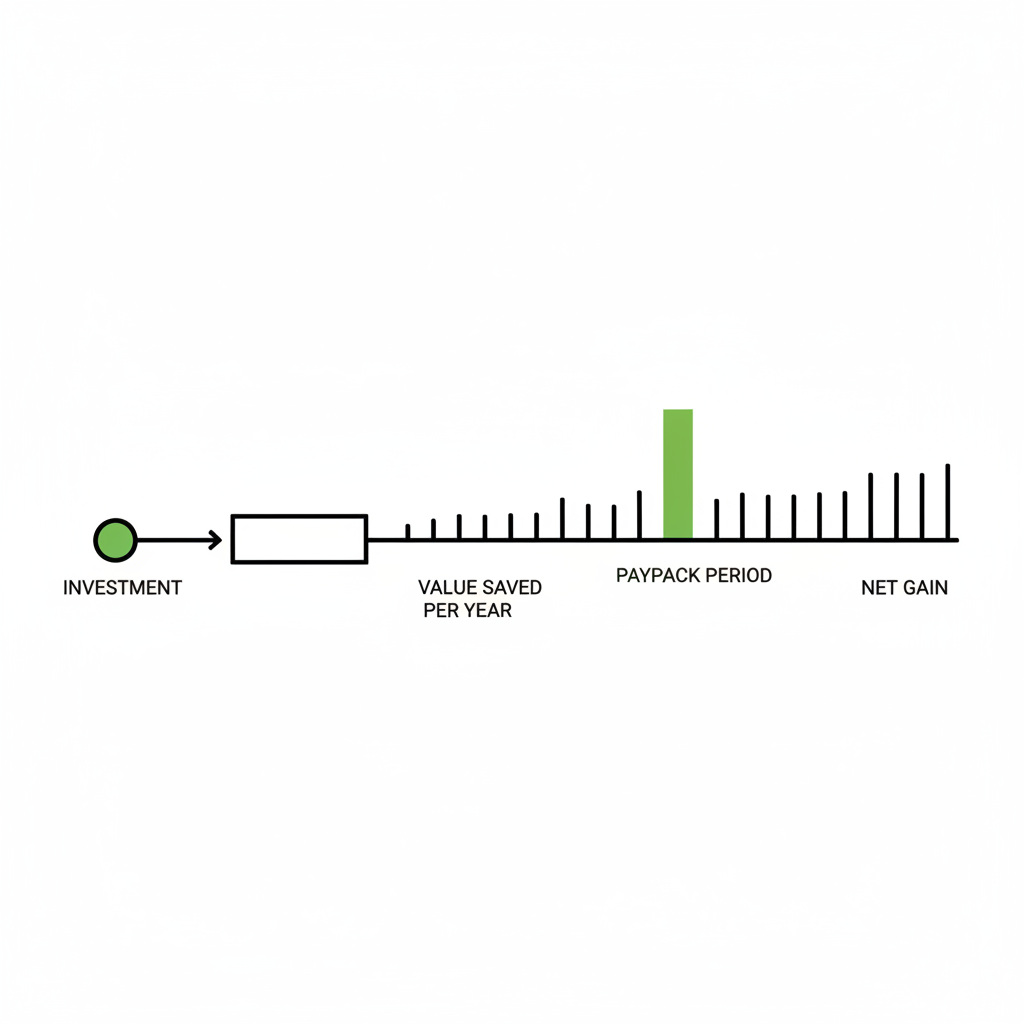
| Payback period | — | ~20 days |
That’s ~198 hours and ~$33,600 net back in a year, from 1 boring workflow, paid off inside a month. Plug in your billable rate instead of loaded cost and the number climbs. For the full template you adapt to any workflow, see workflows vs roles.
Predictable beats simple
The instinct is to automate the easy tasks first. That’s the wrong filter. Easy isn’t what makes a return bankable. Predictable is.
A weekly recap or an invoice prep run looks structurally the same every time, so the workflow produces more consistent quality. Strategy automation faces a fresh judgment call on every run, which is precisely where it cracks.
McKinsey’s latest reporting matches the same pattern at scale: gen AI use is widespread, but few organizations capture bottom-line value yet. That gap between activity and outcomes is the whole point of staying narrow, measurable, and installed into the operating layer. Source: McKinsey, “The state of AI”.
If you want value that reaches the P&L, you start with admin workflows that have fixed inputs, fixed outputs, and a human approval step. Here’s where the minutes actually hide:
Automating discovery-call transcripts and proposal drafts can reclaim meaningful unbillable time per pitch. That’s not a strategy bot. It’s a conveyor belt that runs the same way every Friday.
How to install one without swallowing a department
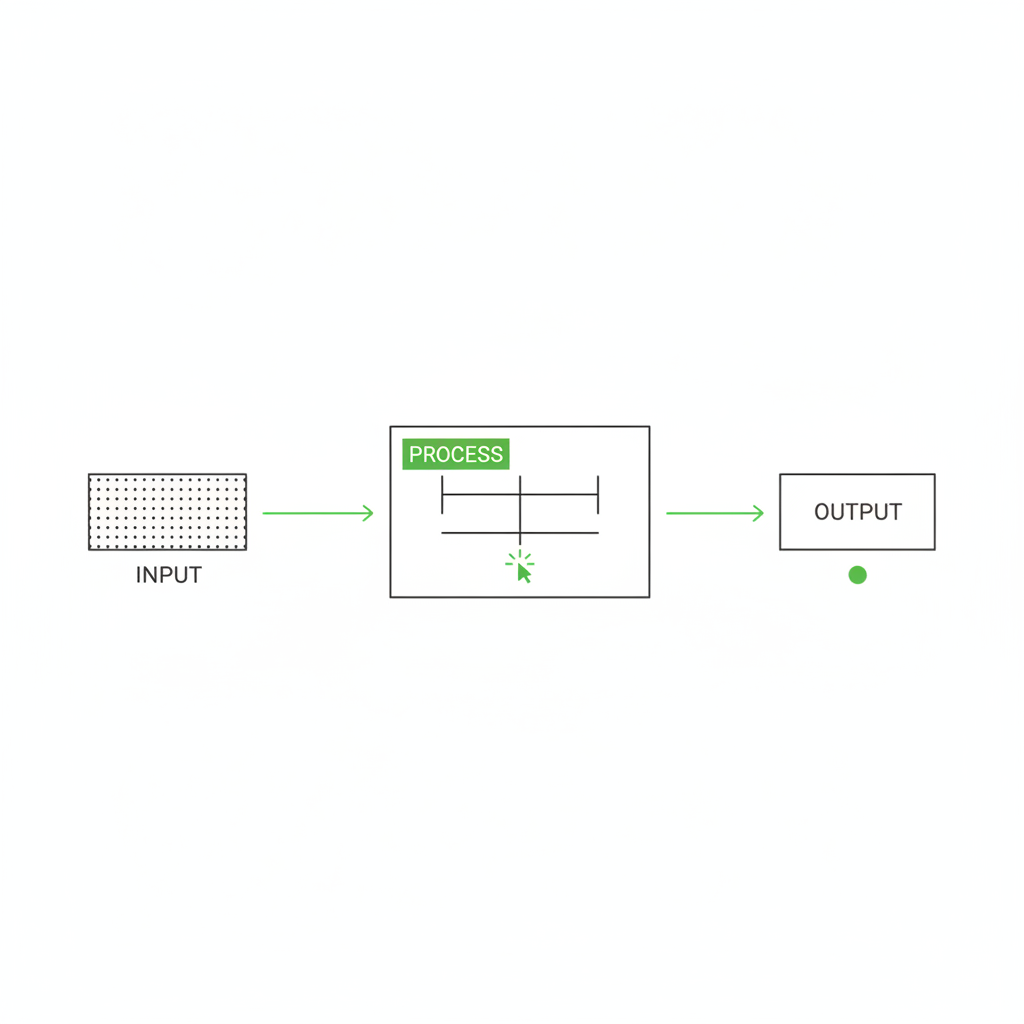
You isolate a workflow the way a surgeon isolates an incision: contained, scoped, and reversible. No taking a whole role in one bite. Map 1 task end to end, install a fixed process for it alone, prove the return, then move on.
The decomposition looks like this. The role is the account manager. Inside it sits 1 workflow worth installing first, and a human still owns the last step.
You build that line by reverse-engineering it. Start from the finished client email, then work backward to every input and decision the recap needs. The actual build, step by step:
- Pick 1 client and 1 workflow (the recap), and write down its exact inputs and the format of the finished email.
- Wire the inputs: Fathom transcript, the Slack channel, the project board, last week’s report.
- Build a Google Docs template that defines the recap structure so output is identical every run.
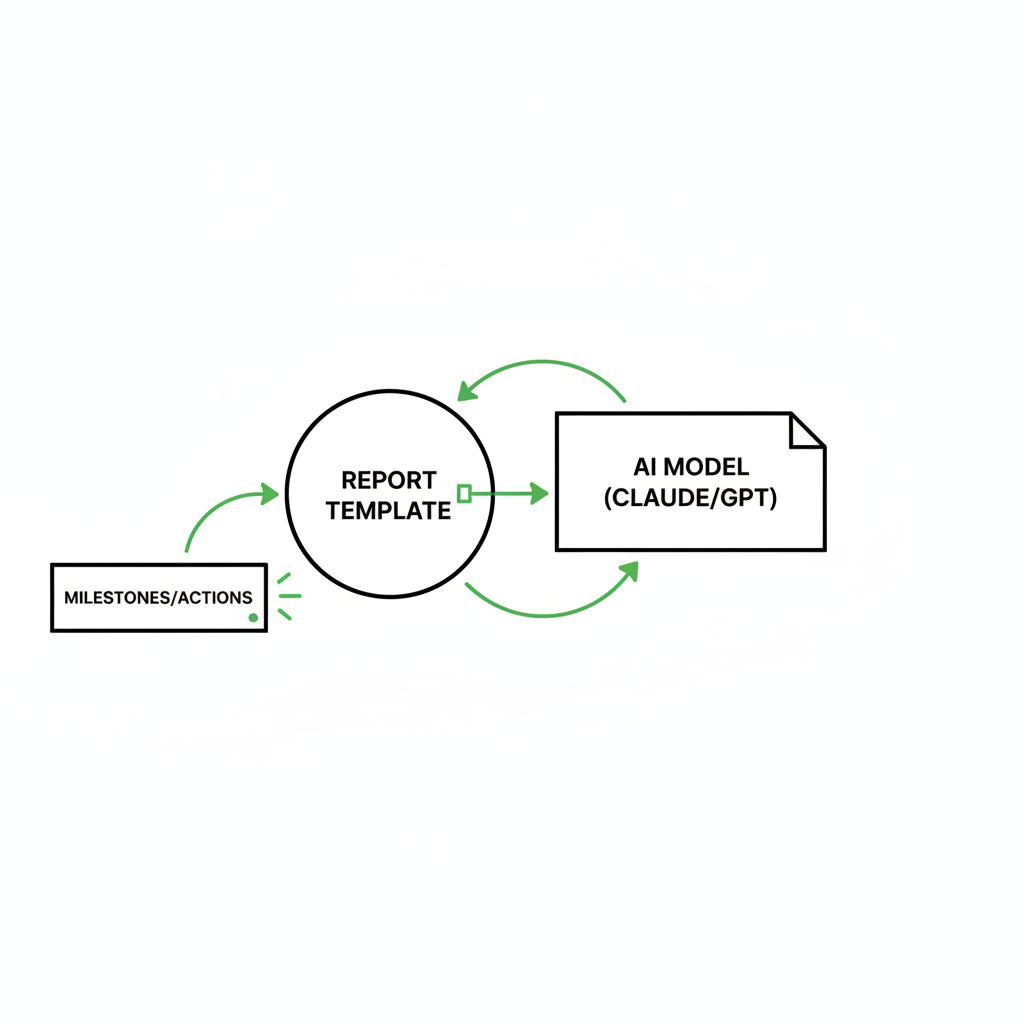
- Route it through Make to a current model (Claude 3.5 Sonnet or GPT-4o) to extract milestones and action items into the template. We use these for the cost, latency, and quality at structured drafting.
- Set the risk controls (below) inside the prompt so the draft stays honest.
- Land the draft as a Gmail draft, or post it to Slack with an approve button, for human review.
- You read, fix anything off, and hit send. The send is never automatic.
- Log the run in a scoreboard (below) so impact is measured, not assumed.
Every step is reversible: kill the workflow and you’re back to doing it by hand, no foundation rebuilt. We wire that plumbing so you never have to become a Make engineer yourself.
The stack is modular on purpose. You swap 1 tool when it breaks instead of rebuilding everything, which is why modular beats an all-in-one platform.
The risk controls that keep clients
The difference between a pilot and something that survives real clients is a tiny written policy baked into the workflow. Four rules, non-negotiable:
- No client-facing send without a human approval. Ever.
- Never invent numbers. If a metric isn’t in the source docs, leave it blank.
- Cite the source doc link inline for every claim in the draft.
- Red-flag low confidence: if the model isn’t sure, it says so instead of guessing.
That’s the same instinct that killed the old bot. The draft can be automated, but accountability stays with the person whose name is on the email.
The only metric that protects your margin
Measure a workflow in reclaimed hours and added billable capacity, not API calls or total bot requests. Dashboard activity is theater. A bot that fired thousands of times told you nothing about whether your week got lighter.
Instrument it simply. Time a few baseline runs with a Harvest or Toggl timer to get your “by hand” number, then keep a Google Sheet scoreboard with 3 fields per run: minutes saved, fix required (yes/no), and reason if yes. That’s the operating layer you can install this week.
Two agency-native metrics tell you whether the hours actually mattered:
- Utilization delta: billable hours divided by capacity. If reclaimed admin hours move to client work, utilization climbs, and at a $250 effective rate every recovered hour is real revenue.
- Cycle time: days from discovery call to proposal sent. Cut it from 5 days to 1 and you close faster, which pulls revenue forward and lifts win rate.
An hour pulled off admin and spent winning accounts is the only return that reaches your real P&L. Every hour off proposal prep is an hour you can point at new business, so the practice grows without growing payroll.
I draft and approval routing aside, the judgment, the client relationship, and the name on the send all stay with your team. That’s the line that keeps clients, and it never moves to a machine.
What to do monday
Monday, pick the report you dread most. The one where you’re stitching four tabs into one client update by hand.
Time one run of it, start to finish. That number is your first scoreboard, and honestly it’s almost always bigger than you’d guess out loud.
That single timed task is the whole strategy in one screenshot: you don’t need an autonomous agency, you need 1 boring workflow off your plate, measured. Install that one. Then start the next. Teams that build the muscle grow into 1 new workflow a week.
If you’d rather not map it alone, our free AI roadmap takes 12 quick questions. We research your competitors and send back a 90-day plan of the workflows worth installing first, human-reviewed, in your inbox within the hour.
Pick the report you dread. Time it. That number is where your margin has been hiding all along, and clawing it back starts with 1 boring workflow.

faq
How do I actually measure AI ROI for my agency?
In reclaimed hours and added billable capacity per workflow, not in bot request volume. Give each installed workflow a simple scoreboard: runs per month, hours saved, and how often a human had to step in. An hour pulled off admin and spent winning work is the return that shows up on your P&L.
Why does every AI pilot I try fall apart?
Scope and installation, not the smarts of the tool. Founders try to automate a whole unmapped role at once, hit endless edge cases, and revert to doing it by hand. Gartner expects over 40 percent of agentic projects canceled by the end of 2027 over unclear value, escalating costs, and weak controls.
Should I build a fully autonomous system or just one workflow?
One workflow. Fully autonomous setups carry steep overhead, and the time you spend reviewing and managing them often outweighs the hours they save. Isolate 1 narrow task, keep a human on final approval, prove the return, then install the next.
What should I automate first?
The most boring, repetitive task on your calendar. Discovery-call recaps and standard proposal drafts are ideal first installs because they stay predictable and reliably eat your non-billable hours. Leave vague strategy automation alone until these wins are banked and scored.